Telegram automation: the complete guide (2026)
Telegram automation isn't about replacing people — it's about deleting the mechanical work that eats their day. If your team forwards, rewrites, filters, routes, and follows up by hand, you're paying a tax that compounds as you grow. This guide covers what to automate first, where automation should stop, and how to run it without losing the human voice that makes Telegram work.
What is Telegram automation?
Telegram automation is using bots and rules to handle repetitive work in Telegram — publishing and forwarding posts, filtering noise, routing messages to the right audience, capturing leads, and sending follow-ups — so your team spends time on judgment instead of mechanics. The goal isn't a robot that runs your business; it's removing the busywork that stops you from scaling.
The real cost automation removes
Manual Telegram operations don't fail loudly. They fail slowly: a post forwarded to the wrong channel, a lead who never got a reply, a follow-up nobody remembered. Each miss is small; together they cap how much one team can handle. Automation raises that ceiling by making the mechanical layer reliable and invisible.
What to automate first
Automate in order of frequency and low judgment. In practice, that's four layers:
- Publishing & forwarding — schedule posts and repost between channels without copy-paste.
- Filtering & routing — drop noise, and send the right content to the right audience automatically.
- Lead capture — turn a bot start or reply into a tracked contact instantly.
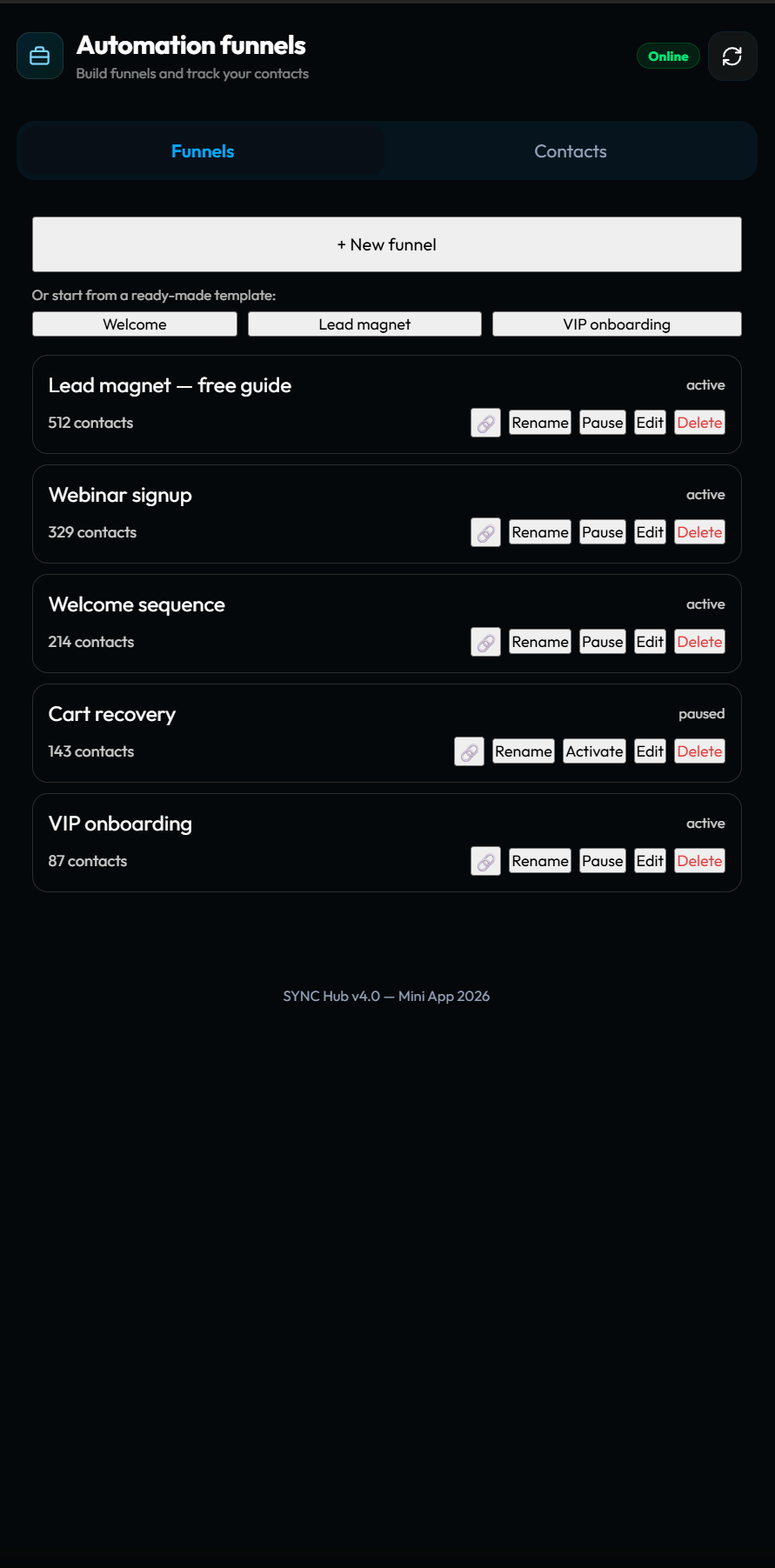
- Follow-ups — welcome messages, nudges, and reminders that run on a schedule.
Notice these are all mechanical. The editorial call — what to say, who to trust, when to escalate — stays human.
Automation without losing the human voice
The fear with automation is that everything starts to sound like a machine. The fix is simple: automate cadence, not voice. Let the system handle when a message goes out and to whom; you still write what it says. A good welcome sequence feels personal because a person wrote it once — automation just delivers it reliably.
Do you need code?
No. The everyday automations — repost, filter, route, capture, follow up — should be point-and-click through rules and visual funnels. You reserve custom code for genuine edge cases. If a tool forces you to script the basics, it's making automation harder than it needs to be. We compared the trade-offs of general automation platforms versus a Telegram-native layer in SYNC Hub vs Zapier vs n8n.
Where automation should stop
Automation is the wrong tool for anything that needs a judgment call every time: pricing exceptions, sensitive support, relationship decisions. Automate the path to those moments — capture, routing, reminders — but keep the moment itself human. The teams that win treat automation as leverage on their judgment, not a replacement for it.
Where to go next
This pillar is the map; the guides below go deep on each area. For team workflows, read Telegram automation for teams. For channels specifically, Telegram channel automation. And if automation is really about tracking people, the Telegram CRM guide shows how capture and follow-up become a pipeline.
Frequently asked questions
What is Telegram automation?
Using bots and rules to handle repetitive Telegram work — publishing, forwarding, filtering, routing, lead capture, and follow-ups — so your team focuses on judgment instead of mechanics.
What should I automate first?
The highest-frequency, lowest-judgment task: usually forwarding/reposting content, or a first-touch reply and follow-up for new contacts.
Do I need to code to automate Telegram?
No — a native tool like SYNC Hub handles the everyday automations with rules and visual funnels. Code is reserved for edge cases.
Automate the busywork, keep the judgment.
Set up your first automation — repost, filter, or a follow-up funnel — and see how much time your team gets back. Free to start.
Start free in SYNC Hub