How to set up a Telegram CRM in 5 minutes
Setting up a Telegram CRM shouldn't mean a migration project. If your customers already talk to you in Telegram, the whole point is to add structure without adding tools. Here's the exact five-step setup, with real screenshots of each stage from SYNC Hub.
Before you start: what you need
You need two things: a Telegram account and a bot (SYNC Hub gives you one, or connects your own on higher plans). That's it — no spreadsheets to migrate, no separate CRM login. The setup below takes about five minutes and everything lives inside Telegram.
Step 1 — Connect your Telegram bot
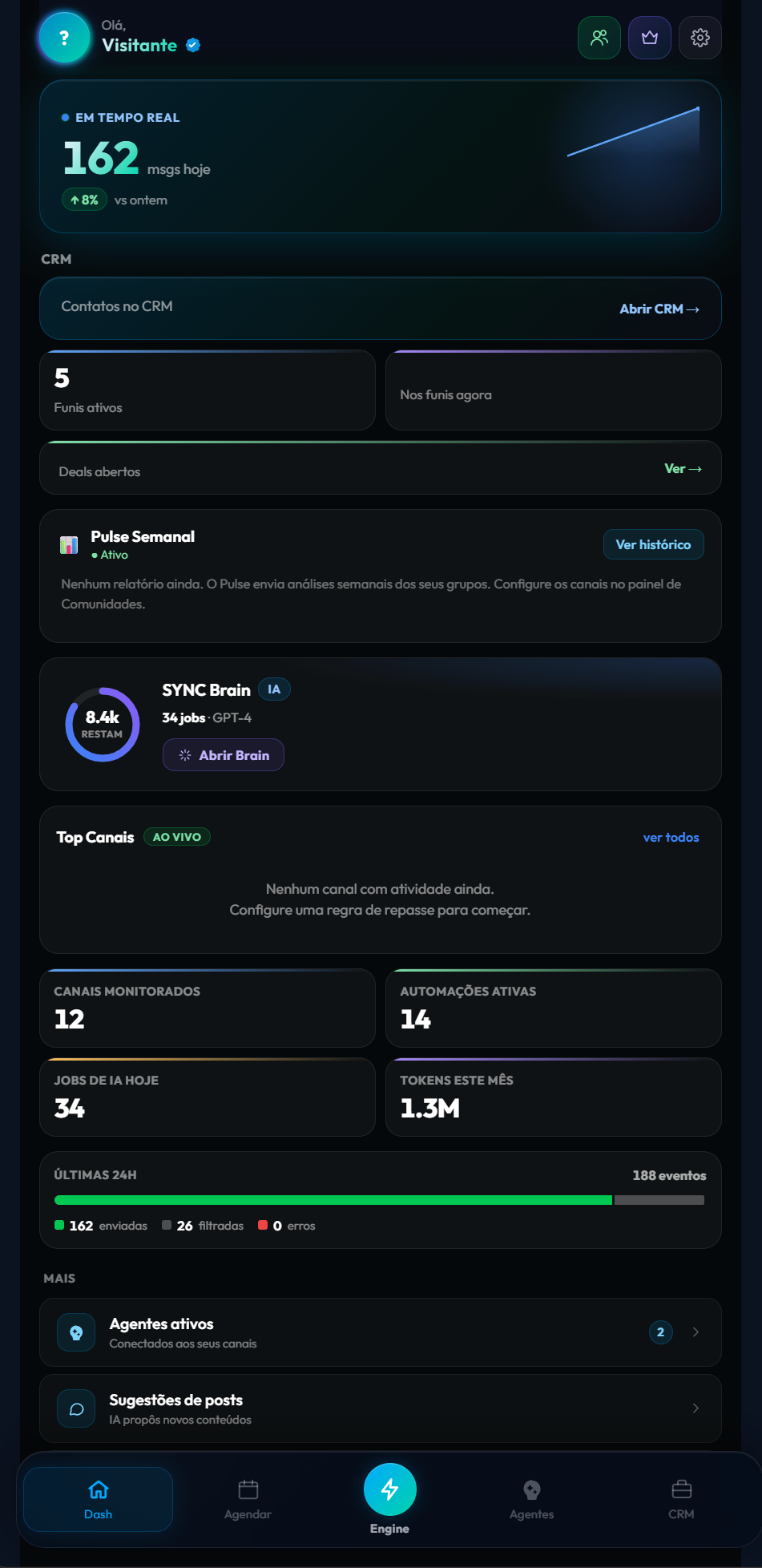
Open SYNC Hub from your bot and authorize it. The dashboard becomes your operating surface: real-time message volume, active funnels, open deals, and AI credits, all in one view. This is the home base you'll return to.
Step 2 — Capture contacts automatically
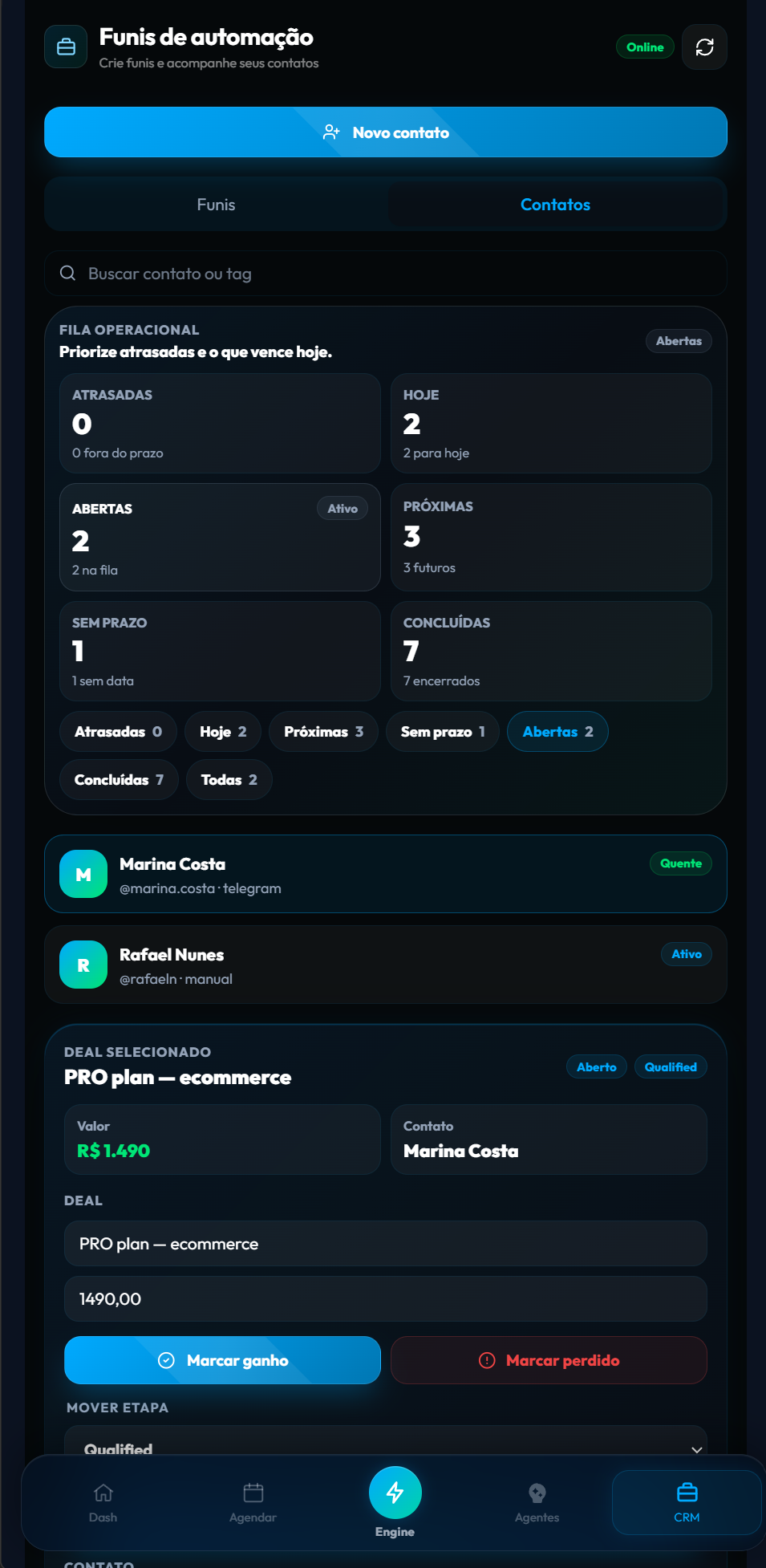
This is the step that saves you the most time. Every meaningful touch — a bot start, a reply to an offer, an opt-in — becomes a contact automatically, tagged and given a status (warm, active, cold). You're not typing anyone in; your contact list builds itself as people interact.
Step 3 — Build your pipeline
A pipeline is just the set of stages a deal moves through: new lead, qualified, proposal, won. SYNC Hub creates a sensible default pipeline for you, and you can rename or reorder stages in seconds. The pipeline is the shared memory that keeps everyone aligned on where each deal stands.
Step 4 — Track deals
Attach a deal to a contact, set its value, and move it through the stages as it progresses. Now you can answer the questions that actually grow revenue: what's open, what's worth the most, and what's due to close. Marking a deal won or lost takes one tap.
Step 5 — Automate follow-ups
The last step is what makes the CRM work while you sleep. Turn on automations: a welcome message for new contacts, a nudge for people who went quiet, a reminder when a lead sits too long in one stage. Automation carries the cadence so nothing depends on someone remembering.
That's it — you have a working Telegram CRM
Five steps, five minutes, zero new apps for your team to learn. For the deeper picture of what a Telegram CRM is and how to choose one, read the complete Telegram CRM guide. To capture and qualify leads specifically, see Telegram lead management, and to compare approaches, the best Telegram CRM comparison.
Set up your Telegram CRM now.
Open SYNC Hub, connect your bot, and follow these five steps — free to start.
Start free in SYNC Hub