Telegram CRM integration: connect your stack without losing context
"Integration" usually means one of two very different things: connecting Telegram to a CRM you already run, or connecting a Telegram-native CRM to the rest of your stack. Getting this distinction right saves you from the most common failure mode — an integration that technically syncs data but quietly loses the context that made the conversation valuable.
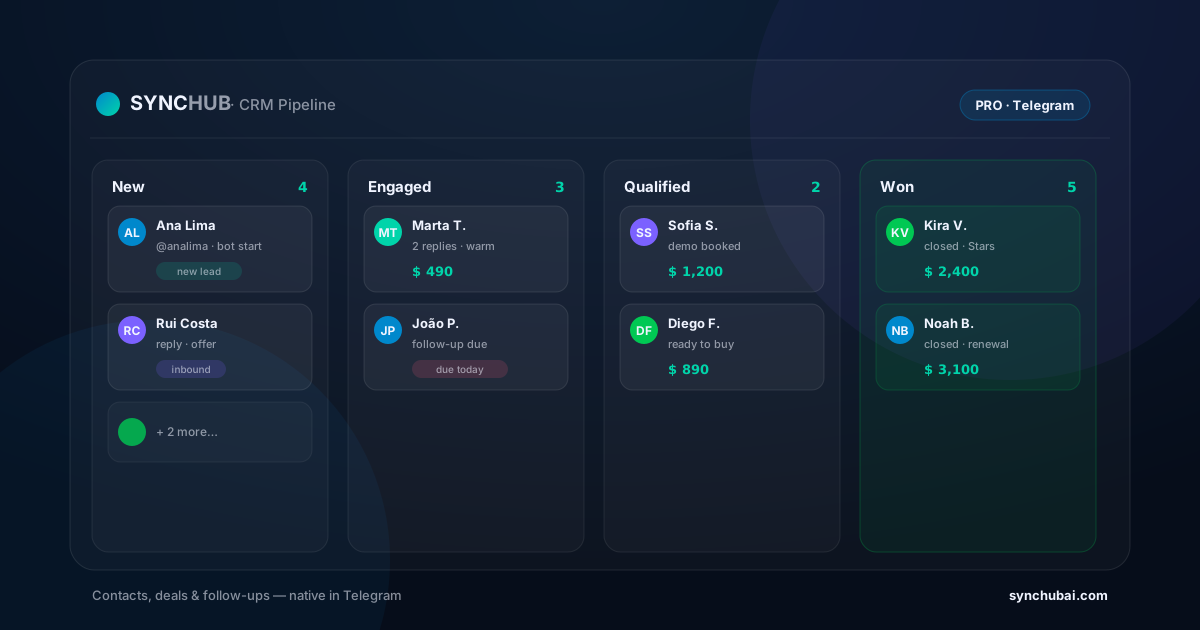
Two meanings of "Telegram CRM integration"
Before choosing tools, name what you're actually trying to do:
- Telegram → existing CRM. You run a CRM built for email/web and want Telegram activity to show up there.
- Native Telegram CRM → the rest of your stack. Your CRM already lives in Telegram, and you want it to talk to billing, email, sheets, or analytics.
These need different designs. The first fights an impedance mismatch; the second is mostly plumbing.
Why integrations lose context
Integrations sync fields, not meaning. A message thread that carried tone, timing, and nuance arrives in the CRM as a flattened note or a timestamp. Add sync delays and mapping mismatches, and the CRM ends up with a thinner version of reality. If Telegram is a minor channel, that loss is tolerable. If it's where your business actually happens, it's expensive.
When an integration is the right call
Connecting Telegram to an existing CRM makes sense when the rest of your company already standardizes on that CRM, you have someone who owns the integration, and Telegram is one channel among several. In that world, a bit of context loss is an acceptable trade for company-wide consistency.
When native beats integrated
If Telegram is your primary operating surface, the cleanest "integration" is not needing one. A native Telegram CRM keeps contacts, deals, and follow-ups on the same surface as the chat, so there's no sync layer to lose context in. You then integrate outward — to billing or email — where plumbing is genuinely all you need.
We compared the native-vs-glue trade-off in depth in SYNC Hub vs Zapier vs n8n.
A simple decision rule
Ask where the real work lives. If it lives in your CRM and Telegram feeds it, integrate inward. If it lives in Telegram, go native and integrate outward. Either way, start from the Telegram CRM guide to frame the whole workflow, and use the best Telegram CRM comparison to weigh approaches.
Frequently asked questions
What is a Telegram CRM integration?
A connection that syncs data between Telegram and a CRM — e.g. creating a contact when someone starts your bot, or logging chat activity against a record — so information isn't copied by hand.
Do I need an integration or a native Telegram CRM?
Integrate if you already standardize on a CRM and Telegram is one of several channels. Go native if Telegram is where the work happens — it removes the sync layer and keeps context intact.
Why do Telegram CRM integrations lose context?
They sync fields, not context. Timing gaps, flattened threads, and mapping mismatches mean the CRM gets a thinner version of what happened in the chat.
Skip the sync layer — keep context where it happens.
Run contacts, deals, and follow-ups natively in Telegram, then integrate outward only where you need to — free to start.
Start free in SYNC Hub